Overview
GitHub (c++/qml source code) of SecurityDolls app
GitHub (c++/qml source code) of DollsStudio app
Video surveillance and motion detection application used to provide automated motion analysis, and event based database (SQLite) recording.
The application supports background motion detection (Gaussian mixture segmentation) algorithm using OpenCV library.
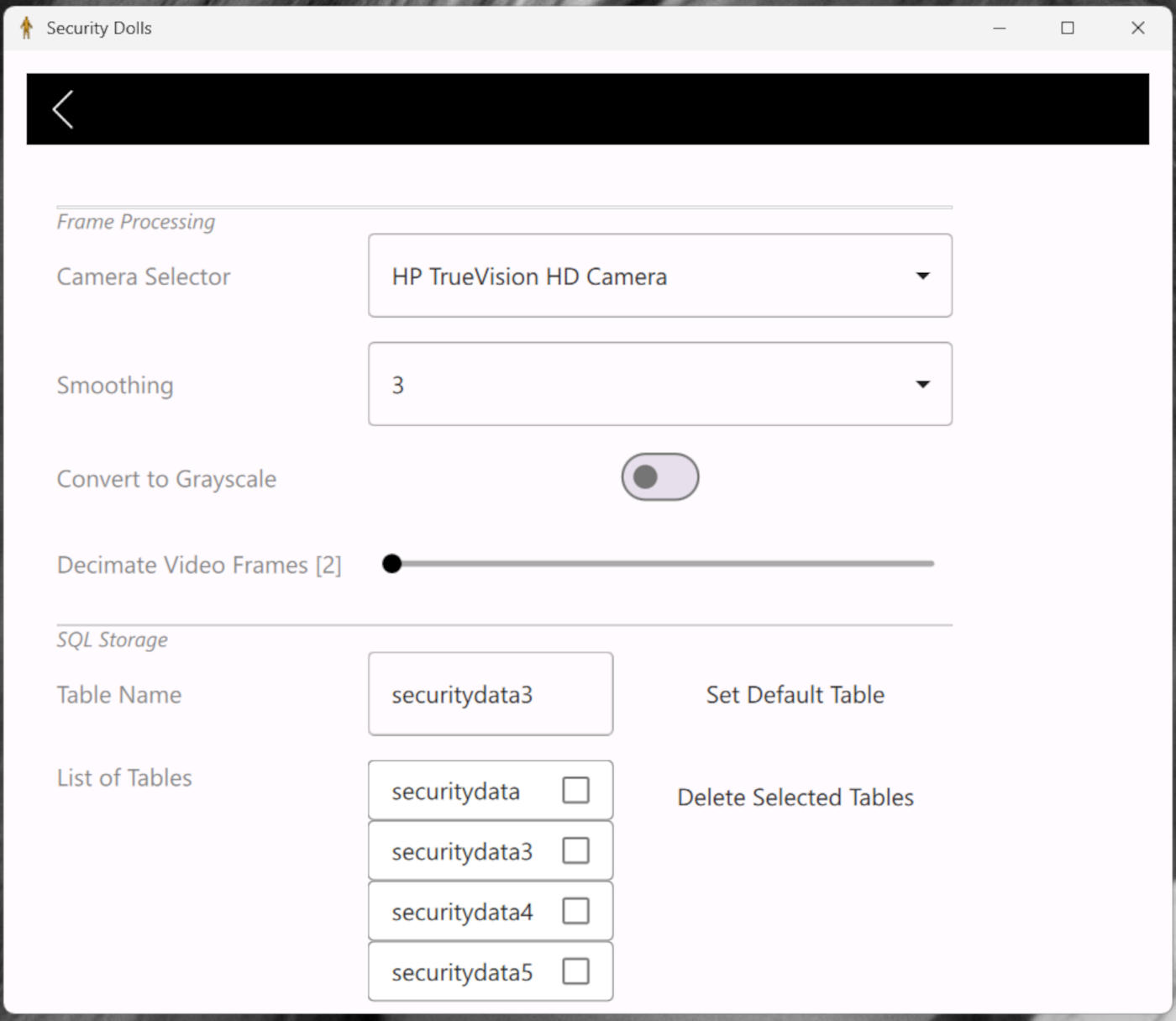
Recording sensitivity and decimation could be turned manually to get good detection quality.
There are three usage modes:
- Motion detection
- Settings selection
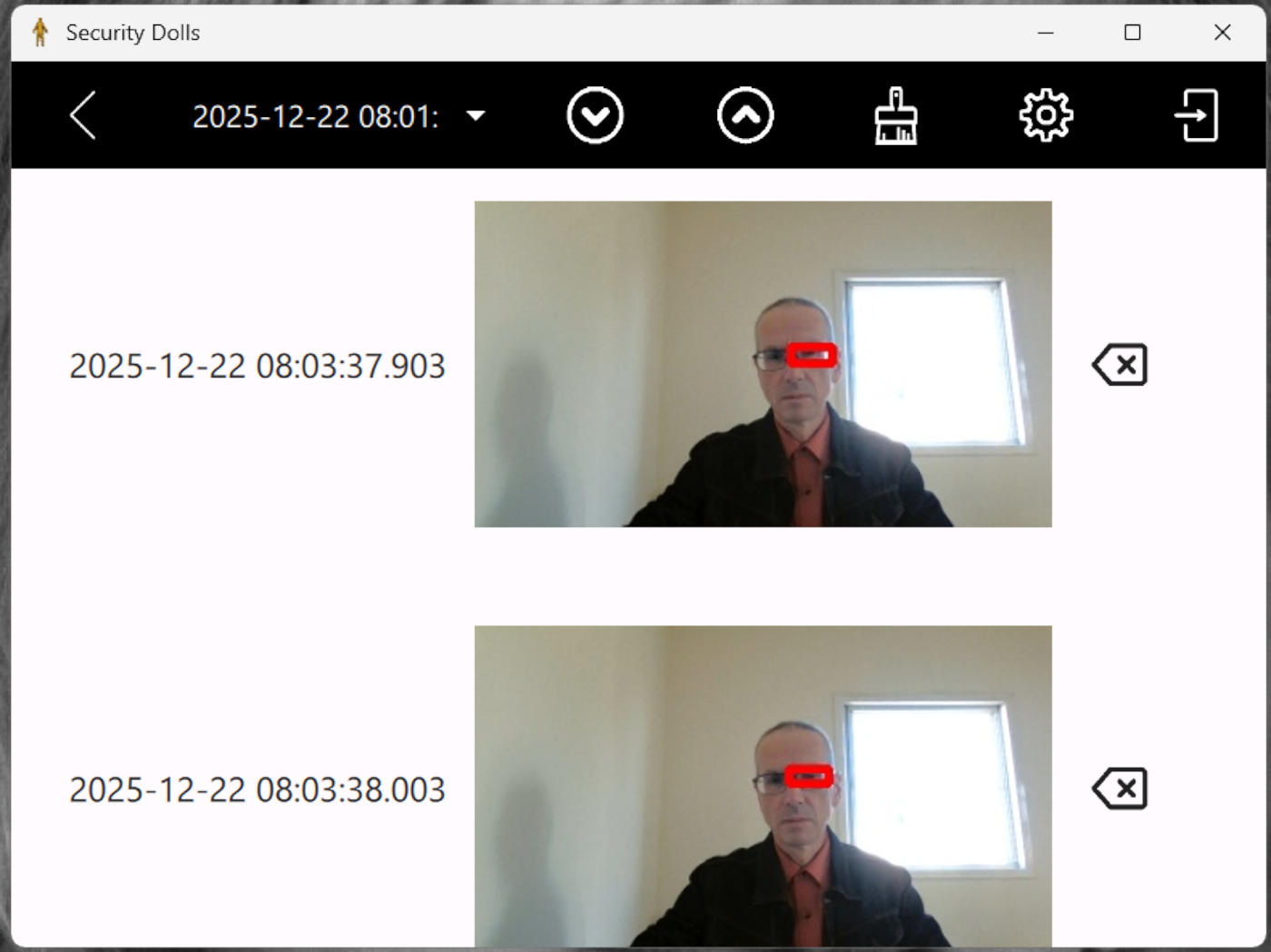
- Result database viewing and edition
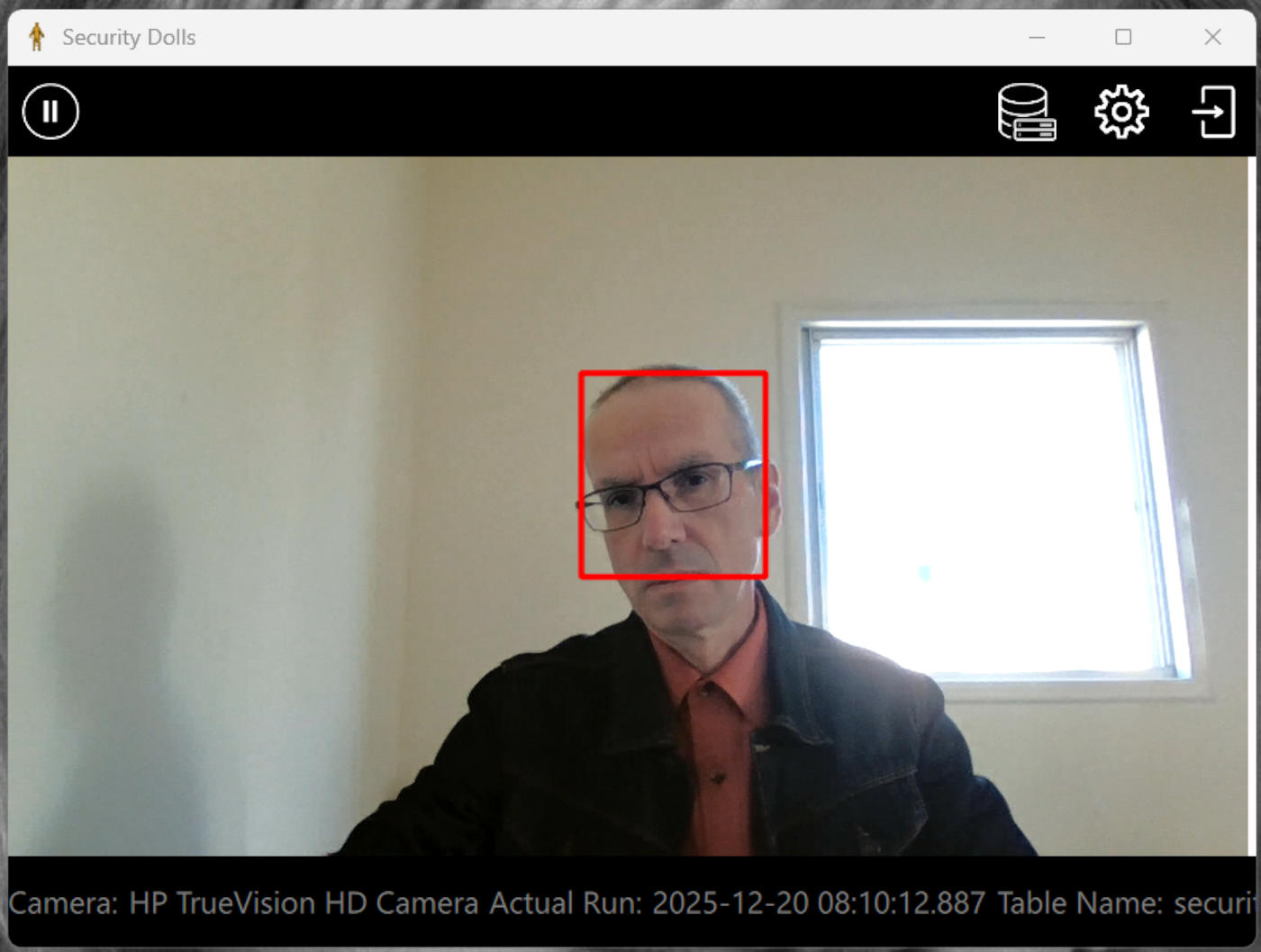
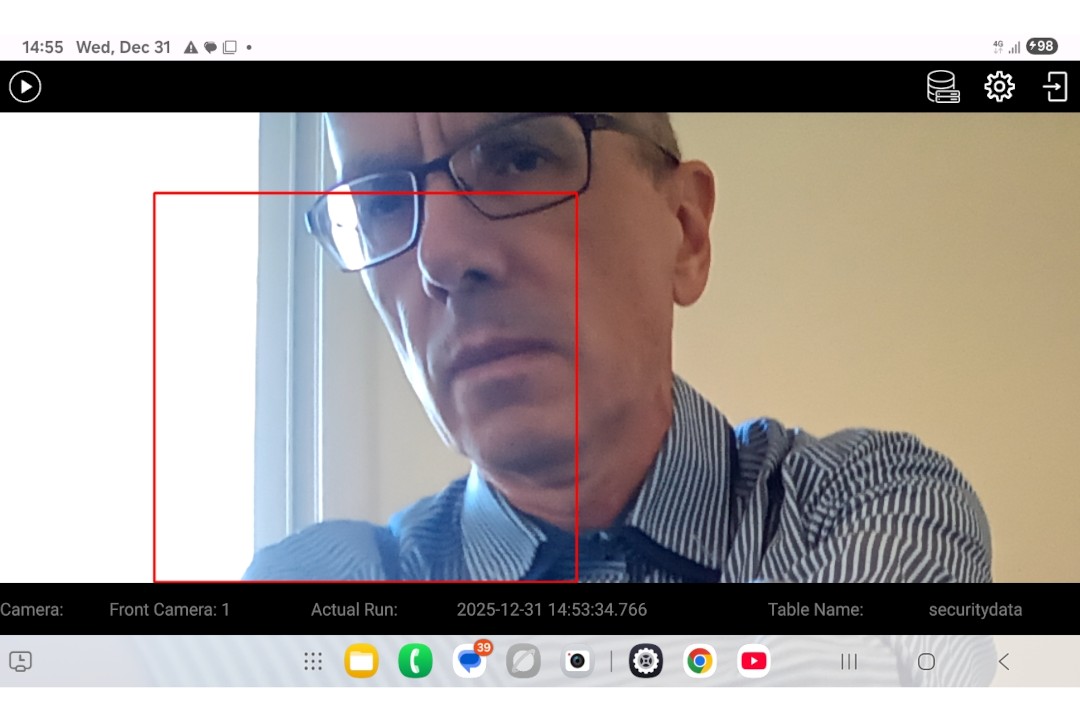
In the Motion detection mode (screen), you could start/stop video capture.
The motion detection region is outlining by the red rectangle.
Using Tool bar on the top, you could go to other two screens.
On the bottom there is the Footer bar with the three labels:
- The current Camera
- Current Run (time stamp, that fixes the app starting time)
- Current SQL Table Name (into which coming frames are recorder)